modelleicher (Farming Agency)
Original author · not a ModsPoint member yet
This mod was listed by ModsPoint; no file is hosted here and the download goes to the author's own link. Are you the author? · · How we list mods
- Checked before it went live
- The file lives on www.farming-simulator.com. We do not scan it.
- No pop-ups or fake download buttons on our site
Description
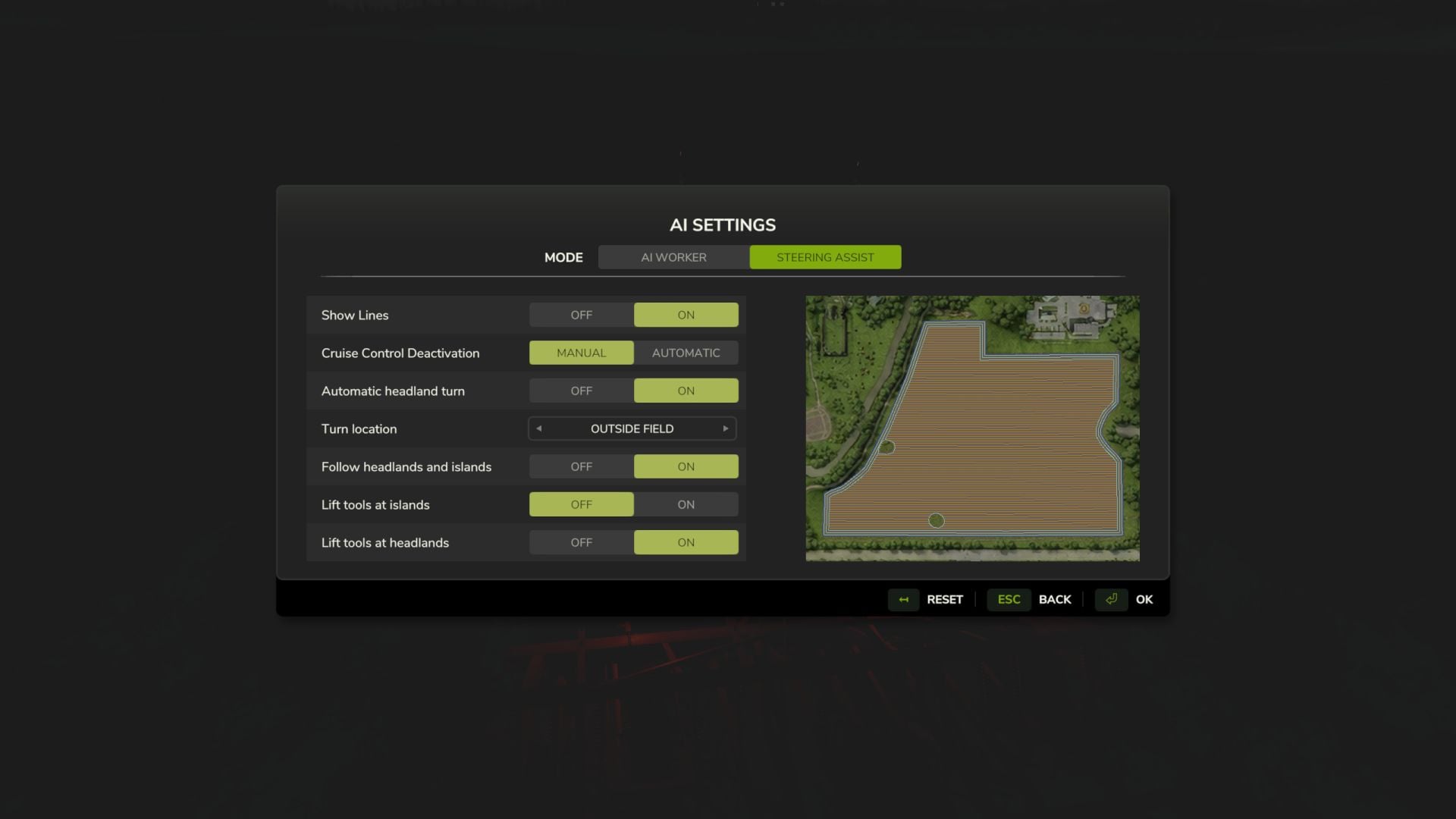
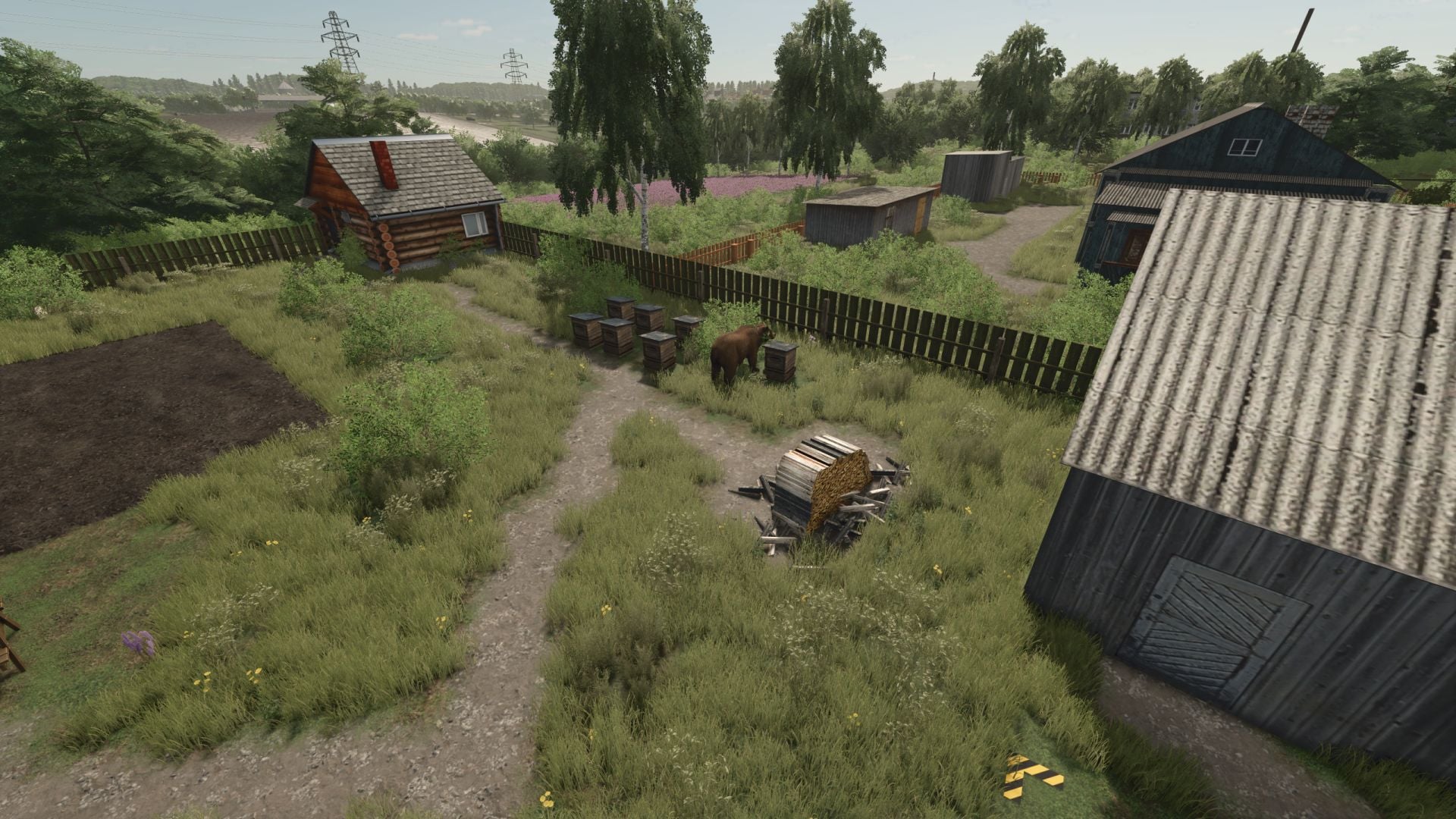
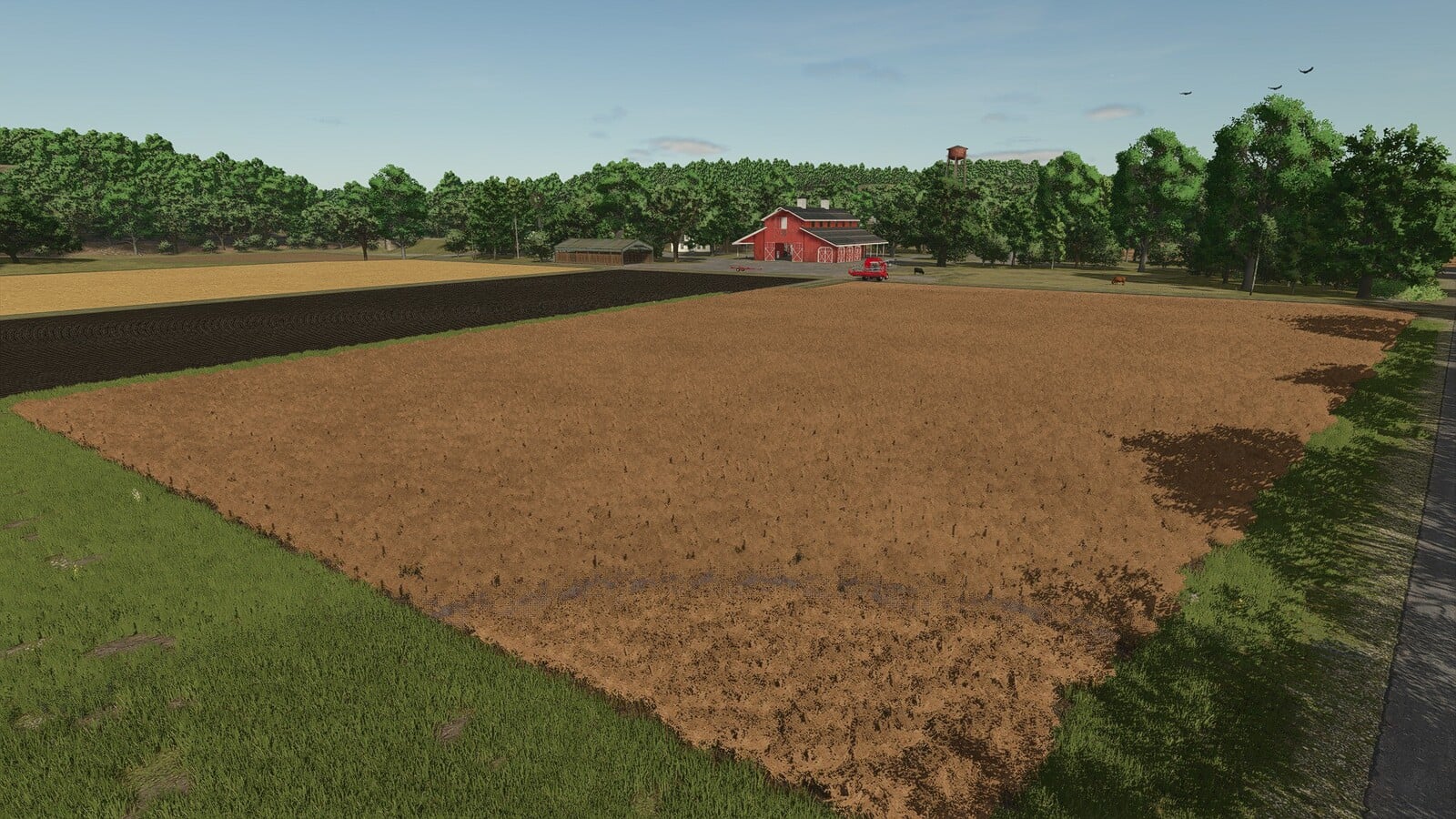
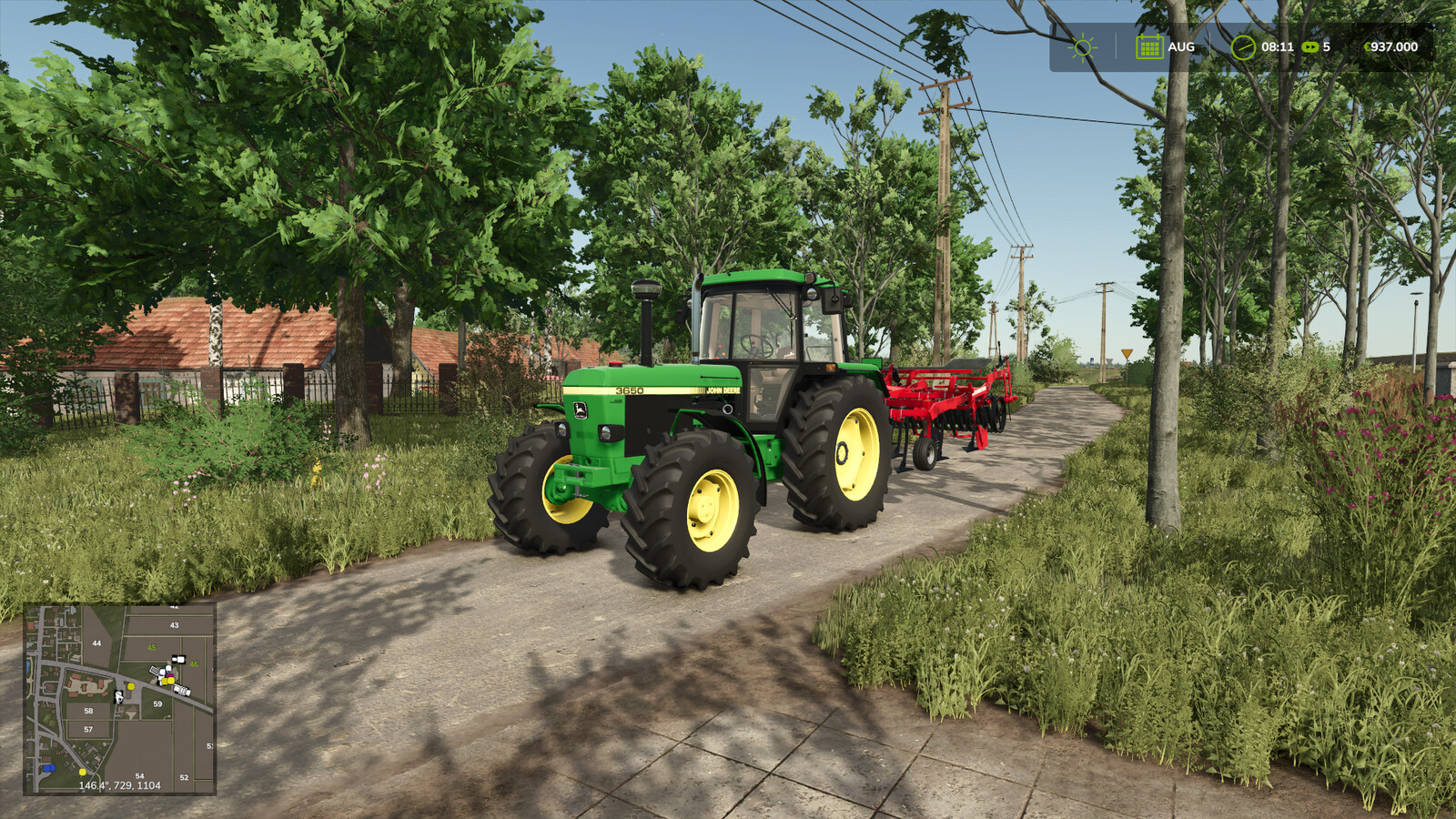
Description: This Mod allows to turn off the HUD's and zoom in the Camera to a preset FOV with the press of one Button to create more beautiful Screenshots.
It's a Quality of Life Mod to quickly get into "Screenshot Mode" and back to regular without the help of several other Mods, Hotkeys or Console Commands.
The Default Screenshot-Mode FOV Settings is "30" because thats what I always use - but you can change this to your liking in the settings.xml
(Go to FarmingSimulator2025/modSettings/FS25_QuickScreenshotMode/settings.xml and change the FOV value to the value you want)
Hotkeys: Left-Alt + H -> toggle into and out of Screenshot Mode (can be changed in the Input Settings)
Mod details
Player screenshots
Sign in to add yoursNo screenshots yet. Be the first to share a shot from your game.
About Quick Screenshot Mode
Quick Screenshot Mode is an FS25 mod in the Scripts category, originally made by modelleicher (Farming Agency). The current version is 1.0.0.0, last updated on November 24, 2026. Available for PC.
Browse more FS25 Scripts mods.